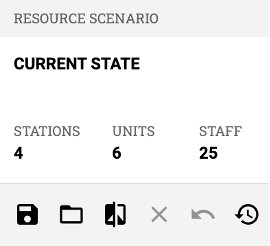
 The Scenarios feature allows you to save and view model configurations. These may be scenarios created by you and your team, or calculated optimizations done by Darkhorse such as an “Add 1 Station” scenario, which will show the best place to place a new station as determined by our optimization calculation.
Saving a scenario: After making the desired model configurations, select the  icon on the left, name your new scenario, then select "SAVE" or "SAVE AS NEW".
Loading and sharing scenarios: Select the  icon, then select a scenario on the following menu. In this menu, you can delete or share a scenario so others in your organization can access it.
Comparing scenarios: See how numbers compare between different scenarios by selecting the  icon and selecting a scenario to compare against. Your original scenario’s numbers will appear normally, and the compared scenario’s numbers will appear below in grey.
Customization Options
We can run optimizations for many station location questions you may have, so please reach out if you have any optimal station location questions.